How it works
Four steps, from technician account to remote control.
Create an account
The technician creates their account on the platform.
Choose a plan
Instant support ($2.99 CAD), Monthly subscription ($5.99 CAD) or Unlimited subscription ($10.99 CAD).
Install the agent
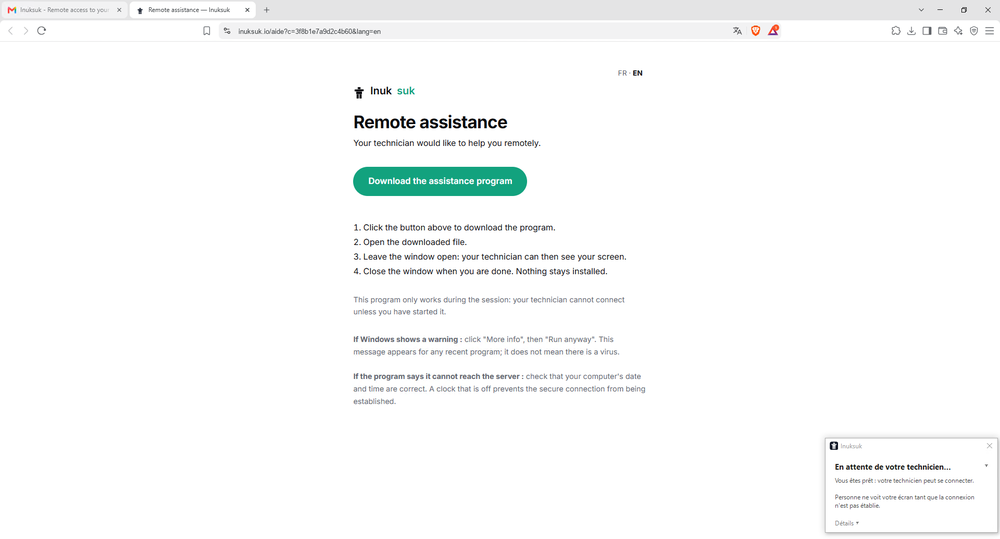
The technician generates an install link and sends it to their client, who runs it.
Provide support
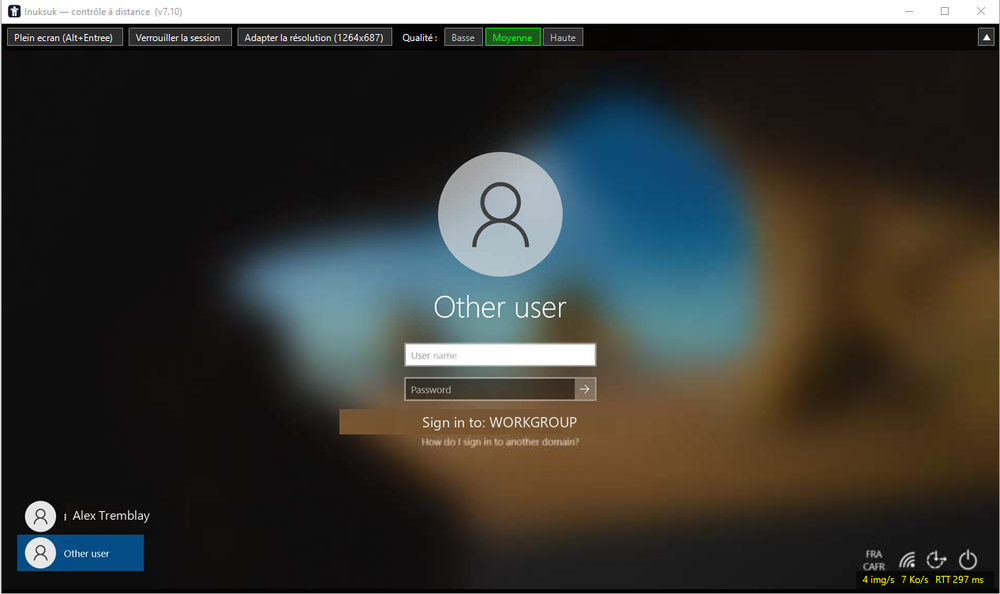
The PC appears in the portal; the technician starts a session and controls the computer remotely.
Device inventory
With the monthly and unlimited plans, every device where the Inuksuk service is installed automatically reports its hardware and software inventory: system, machine, processor, memory, storage, network and the list of installed software. All of it is available from the directory and exportable to CSV, with nothing to configure.